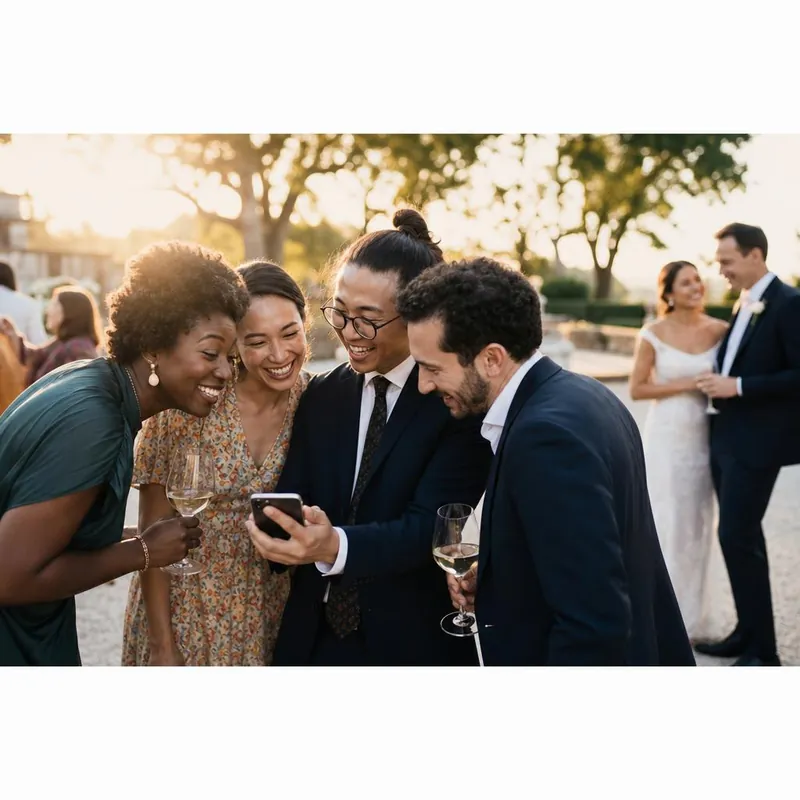
Give the QR code one clear job.
Put a simple request next to the code: Share your photos and videos with us. Explain that guests can upload from their phone without creating an account. Keep the code separate from seating charts, menus, and other links so people know exactly what will happen when they scan.
Before ordering signs, scan a printed sample on a different phone and follow the complete upload flow.
Place signs where guests naturally pause.
A welcome table introduces the gallery. Reception tables make it easy to contribute between courses. A sign near the dance floor or photo area can catch people just after they take a picture. Choose a few visible places rather than filling every surface.
- Use a clear code with space around it.
- Check that the print is readable in the venue's lighting.
- Include your event link as an alternative.
Ask once, while the memory is fresh.
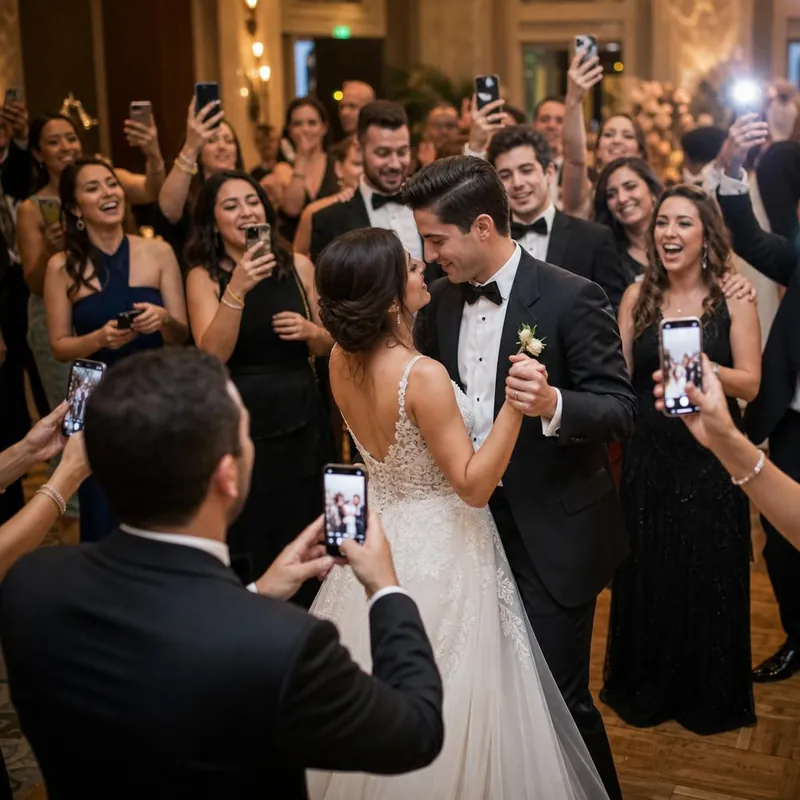
Give your DJ or MC a short, friendly announcement: Have a photo or video from today? Scan the code on your table and add it to our shared gallery. A live photo wall can show guests what they are helping create. Invite participation without interrupting the moments you want them to enjoy.
Leave a simple route for the next day.
Some guests will sort their pictures later. Include the same gallery link in your own thank-you message so they do not need to find a sign again. Check the gallery and download a separate copy of important files.
Start with 100 free uploads. If you need more, Unlimited is $49 once for one event. Visit wedding photo sharing for the gallery experience, pricing, and refund details.