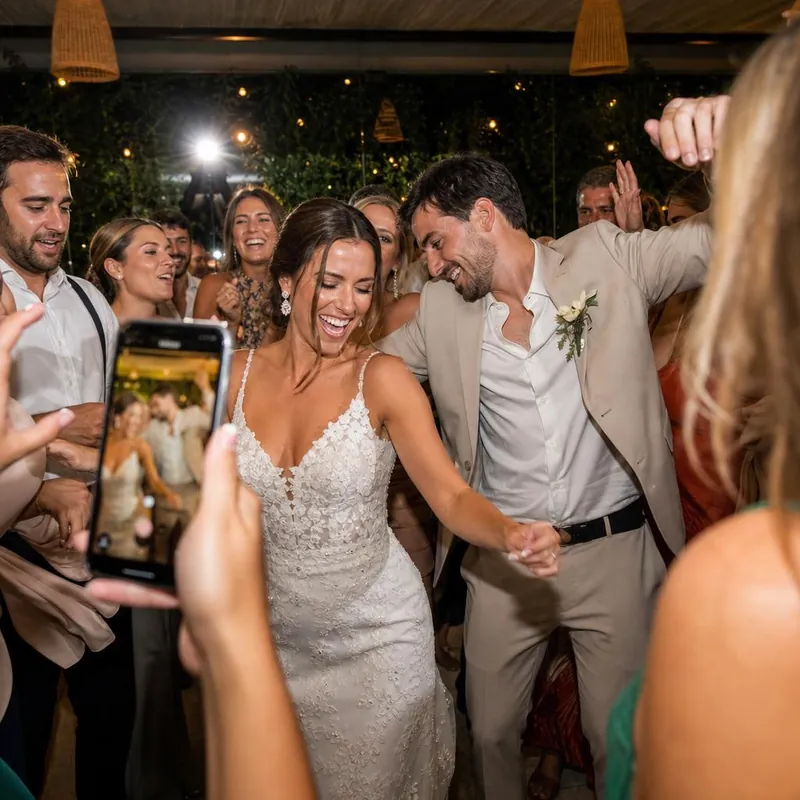
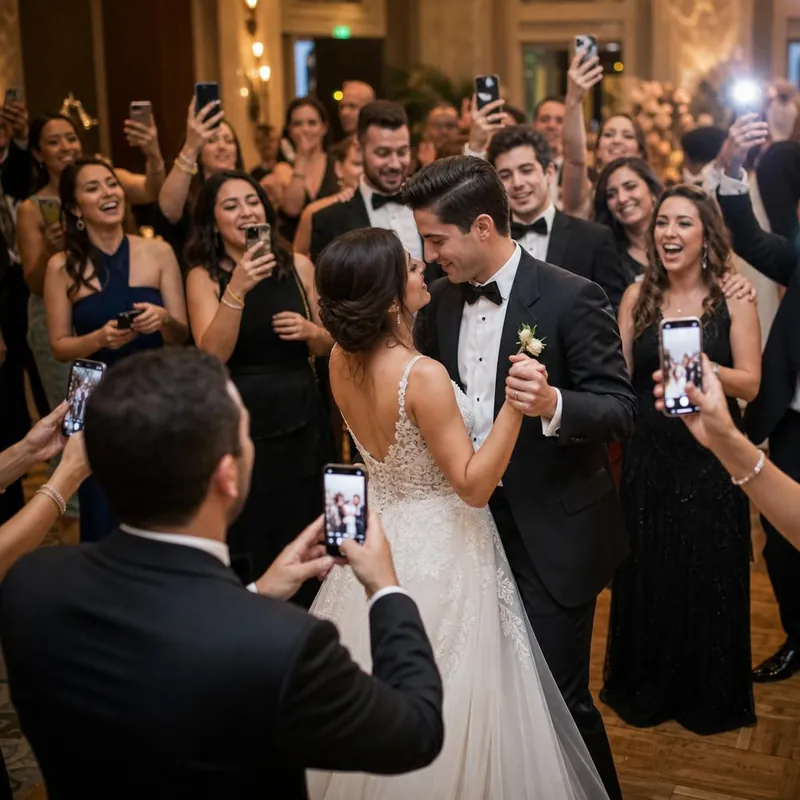
Get the pictures out of separate conversations.
A party can leave its photos scattered across phones and group chats. Give everyone the same GLIP gallery link so there is a clear place to contribute. Guests can add photos and videos from their phone browser without downloading a guest app or setting up an account.
Share the link with your invitation or introduce it at the celebration.
Make sharing an invitation, not a task.
Place your event QR code near the welcome area, food table, or another spot where guests pause. Add a friendly message: Got a good photo? Add it to our gallery. Keep your gallery link available for guests who prefer to tap. A quick scan test before the party helps catch a small or unclear printed code.
Give the room something to smile about.
If your venue has a suitable screen, open the live photo wall to show the collection as it grows. Review your event's moderation settings and try the display connection first. Guests need internet access to upload, and the screen needs a connection to receive updates.
Showing the wall is optional; your gallery can simply be the place everyone sends their pictures.
Start small, with the price in view.
Free Event includes up to 100 uploads. Unlimited is $49 once for one event, with no subscription and a 60-day money-back guarantee from purchase. Extra uploads on the free plan are locked until an upgrade.
Share the link only where you want it distributed—an unlisted link can be forwarded. Save a separate downloaded copy of important media after the celebration, and keep the gallery link handy for guests who contribute later.